Microsoft Teams
Chats and photos
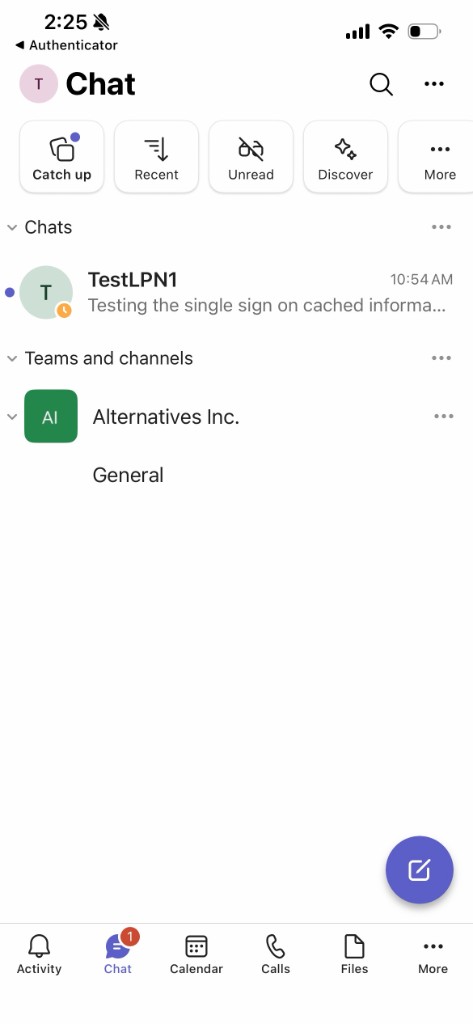
Start a chat, add a photo, open a team and its channels, schedule or join a meeting, start one right away, or make a call.
Start a chat
1 of 4
Teams
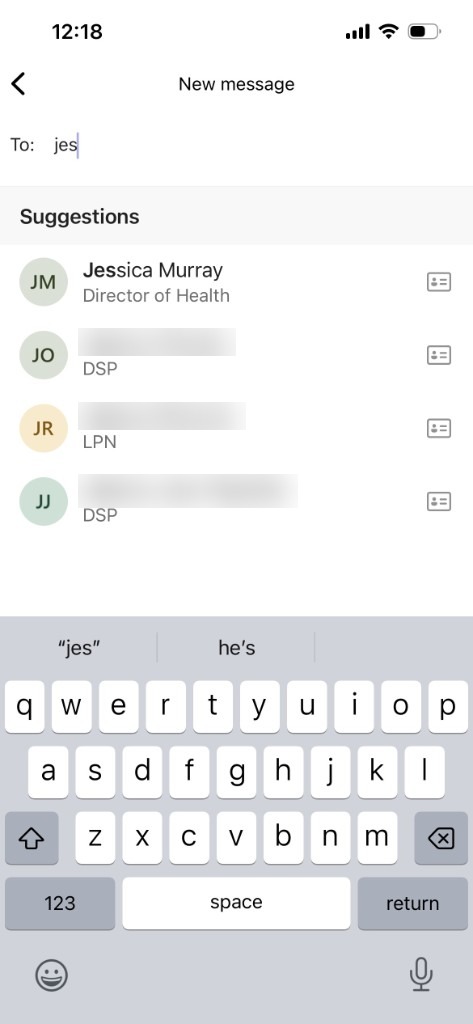
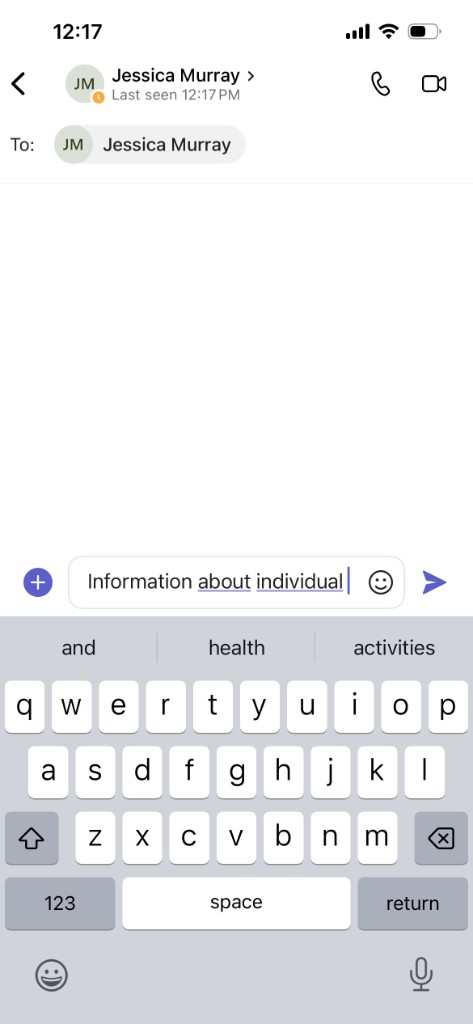
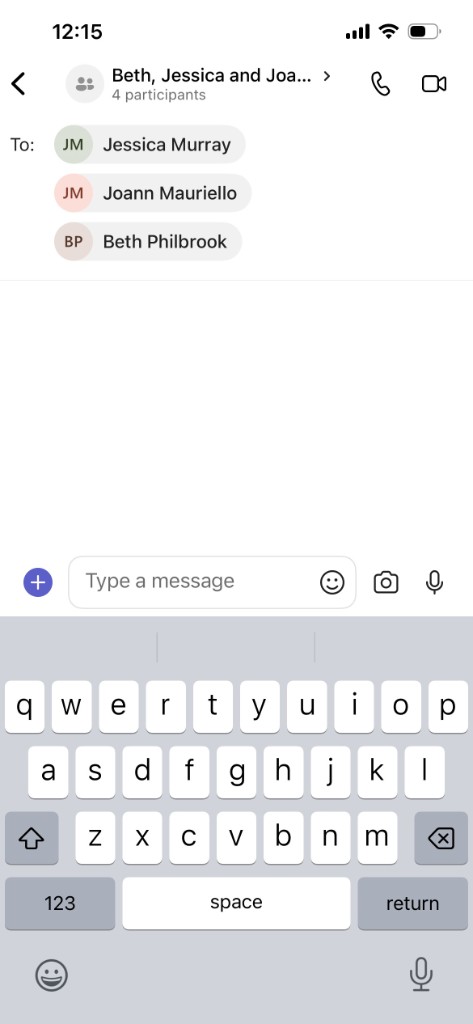
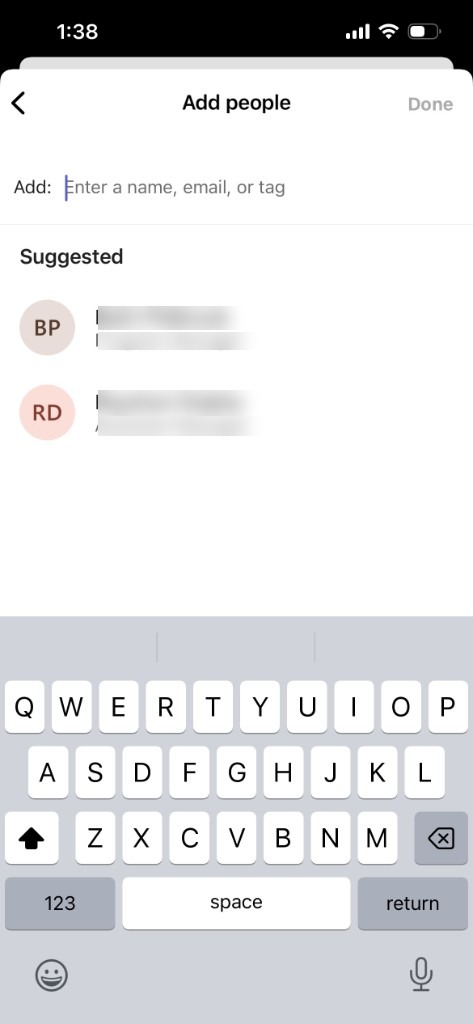
Start a chat with one person, or add more names in To for a group.
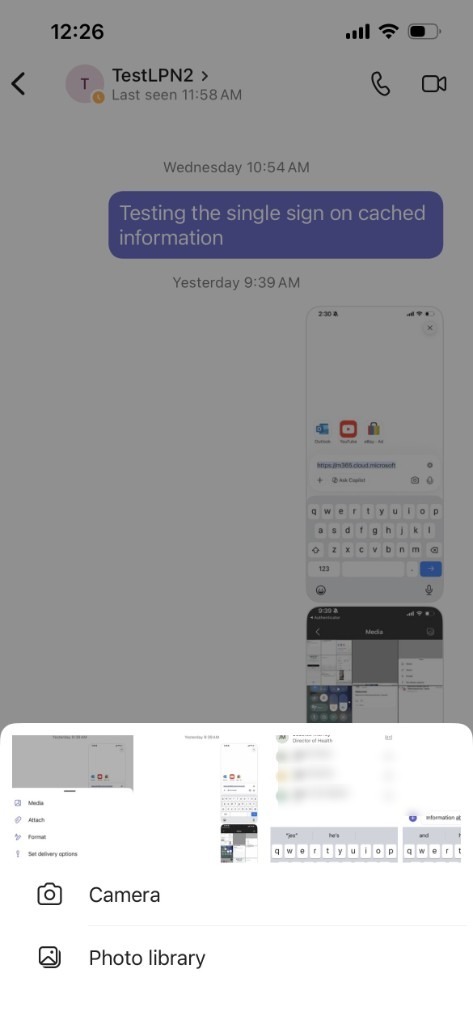
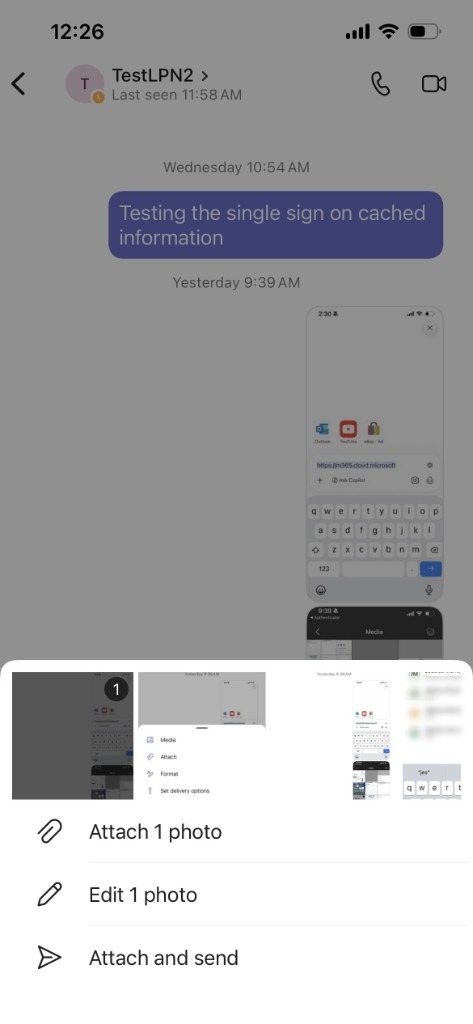
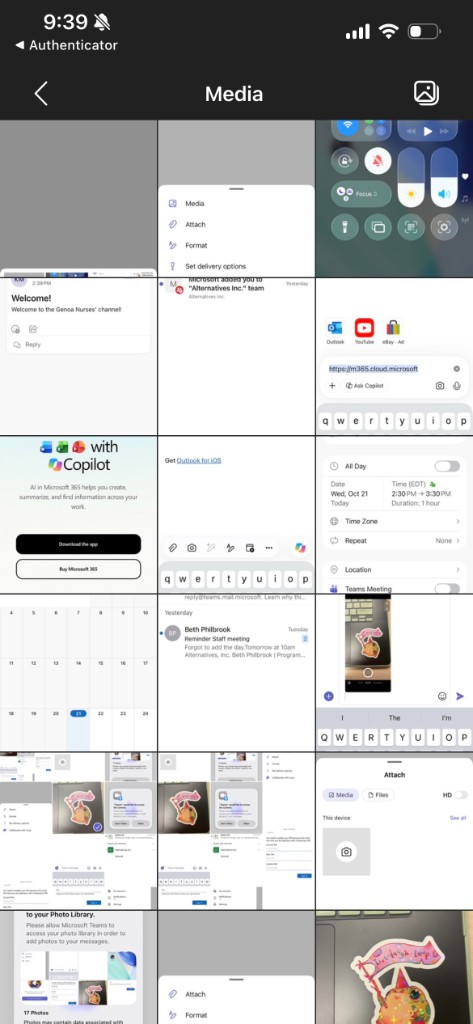
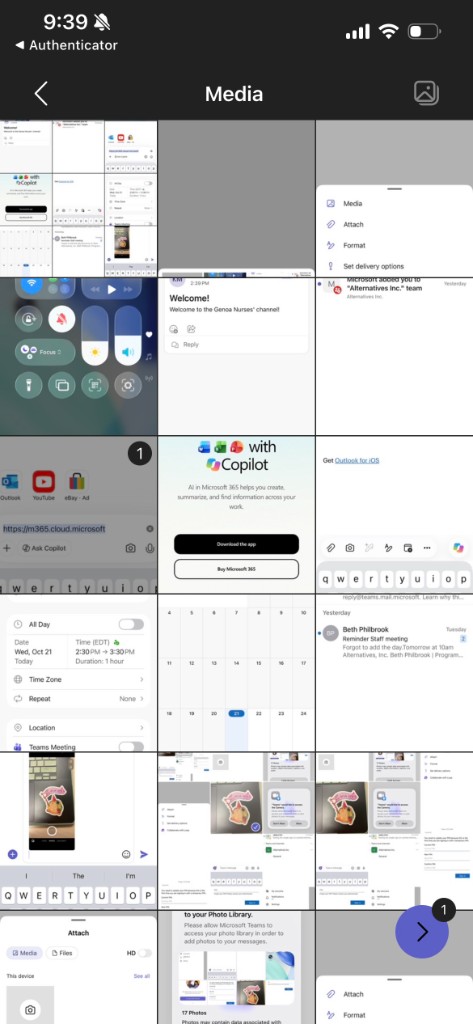
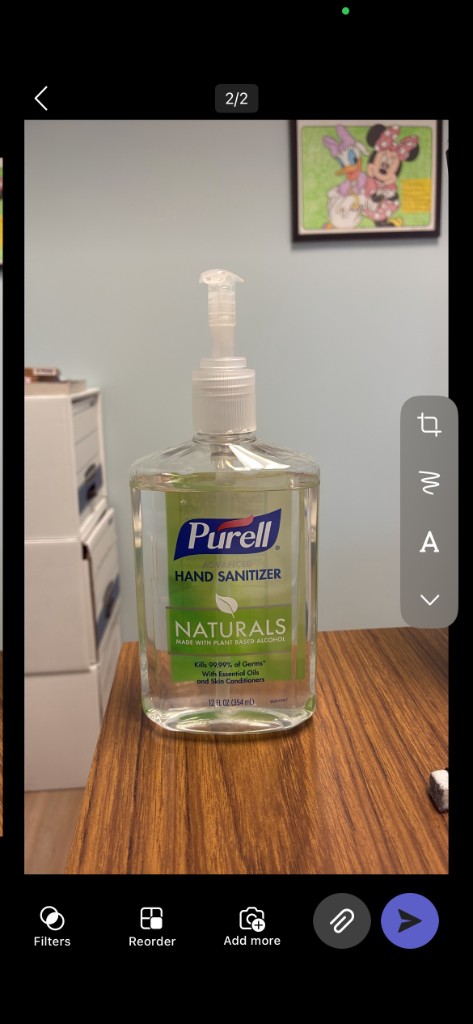
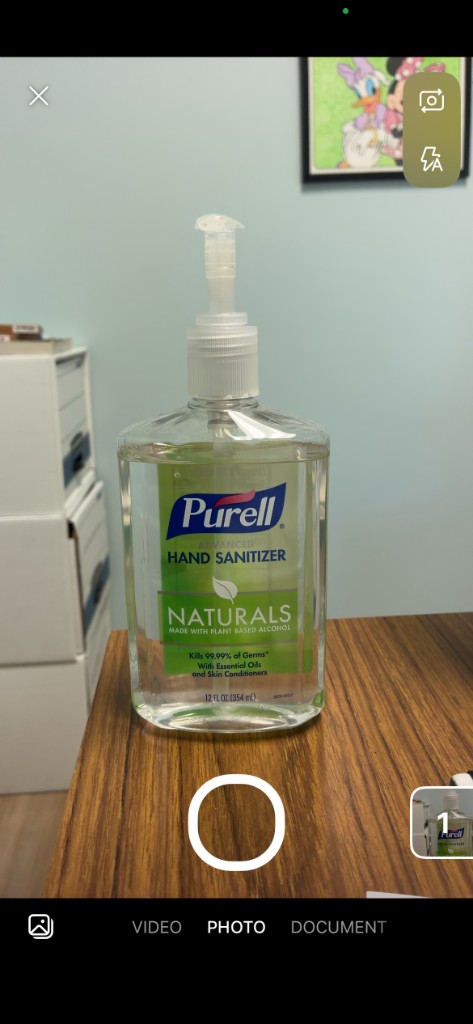
Add a photo or use the camera in chat
1 of 10
Teams
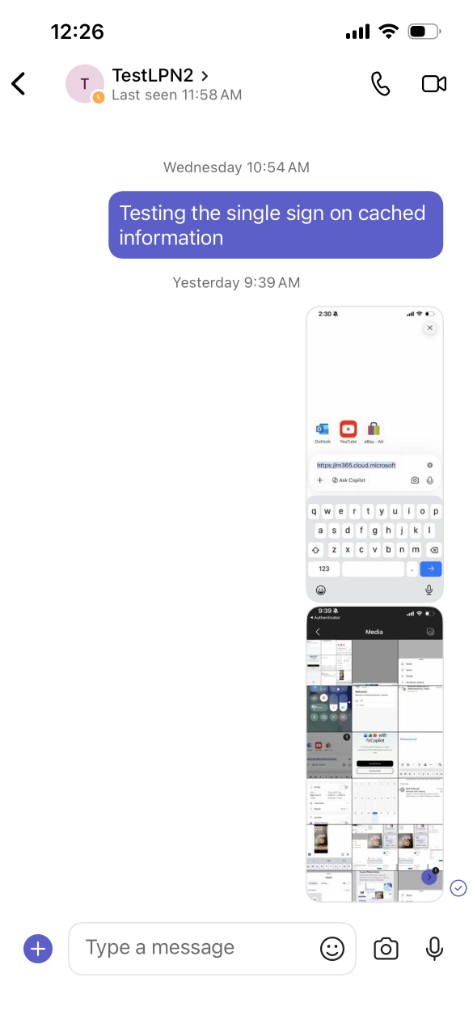
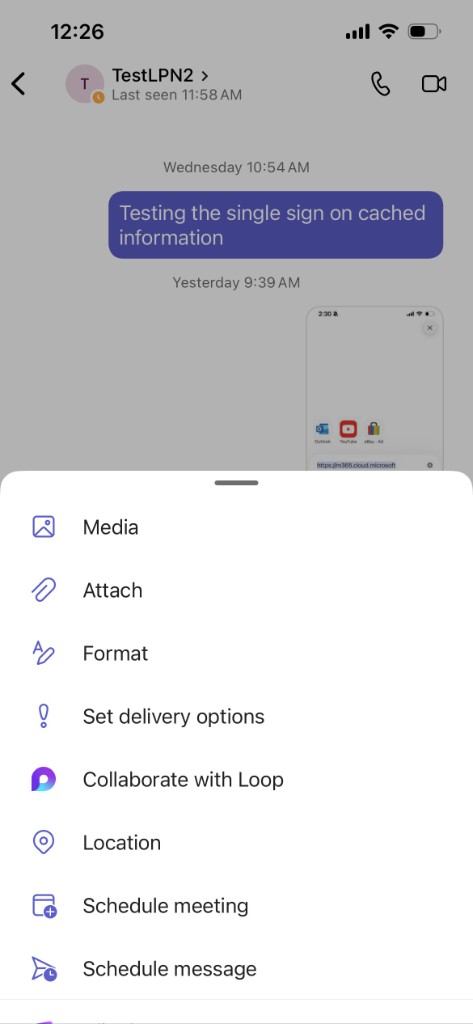
There are two ways to attach a photo already on the phone. You can also take a new picture with the camera. The first time, follow Access messages on the home page.
Teams and Channels
1 of 4
Teams
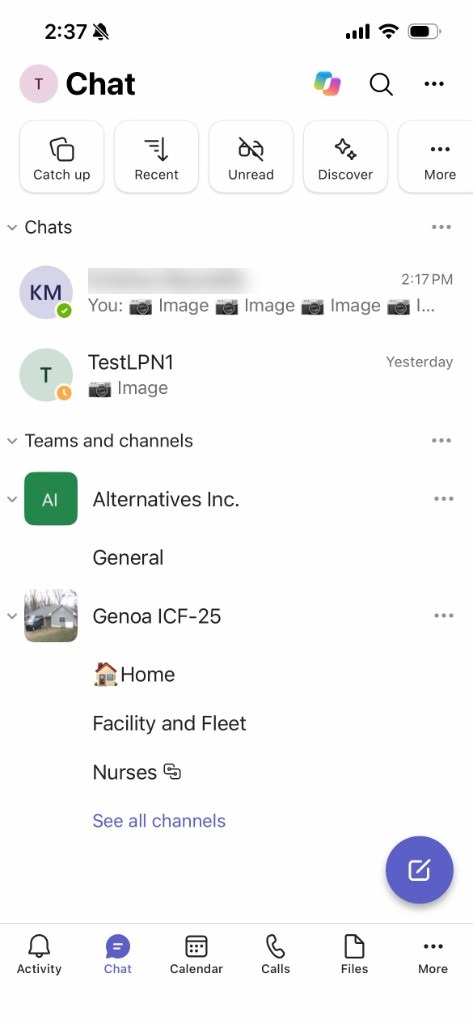
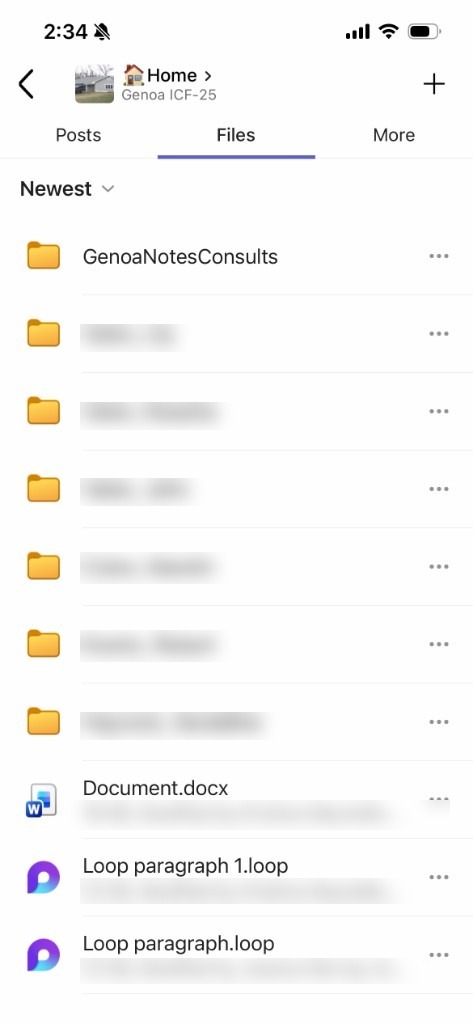
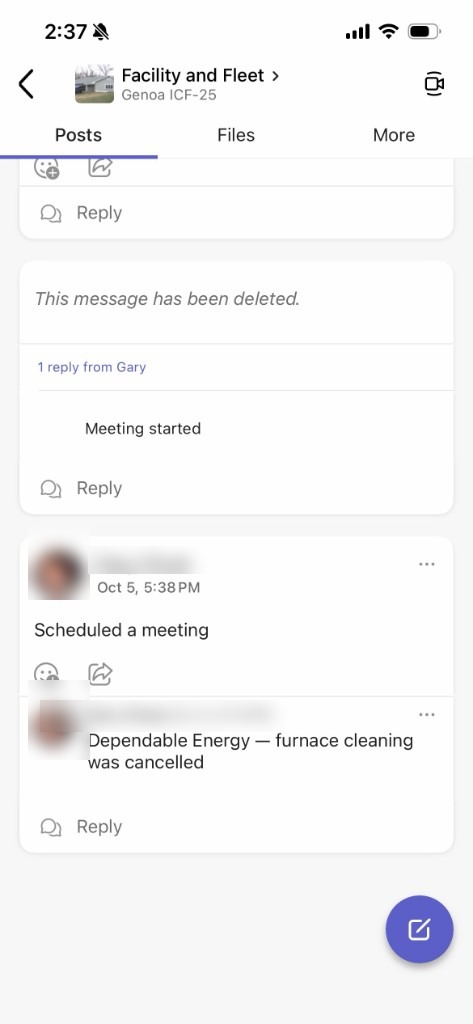
A team is the program or group home. Each team has three channels.

Schedule a meeting
1 of 7
Teams
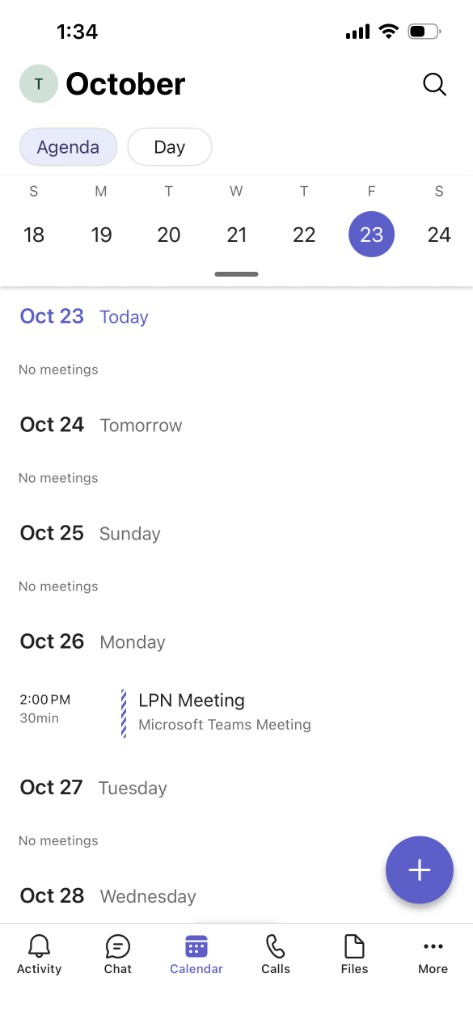
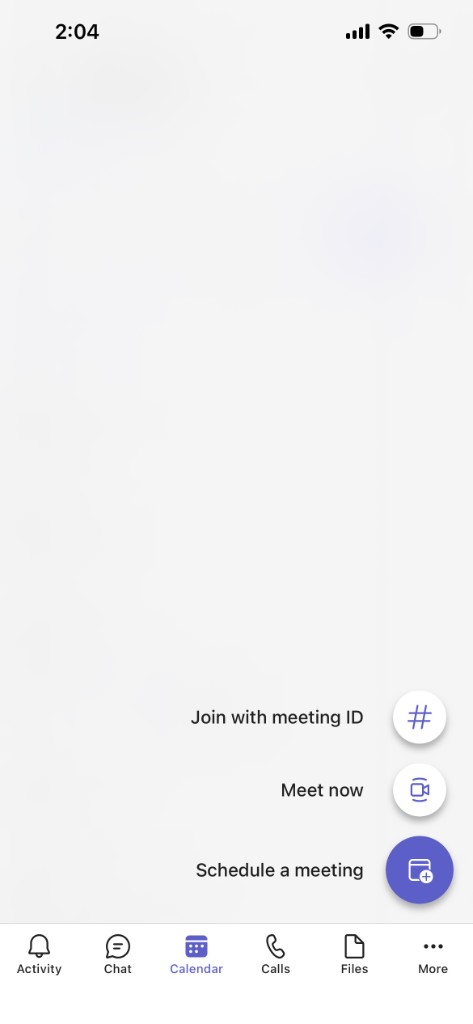
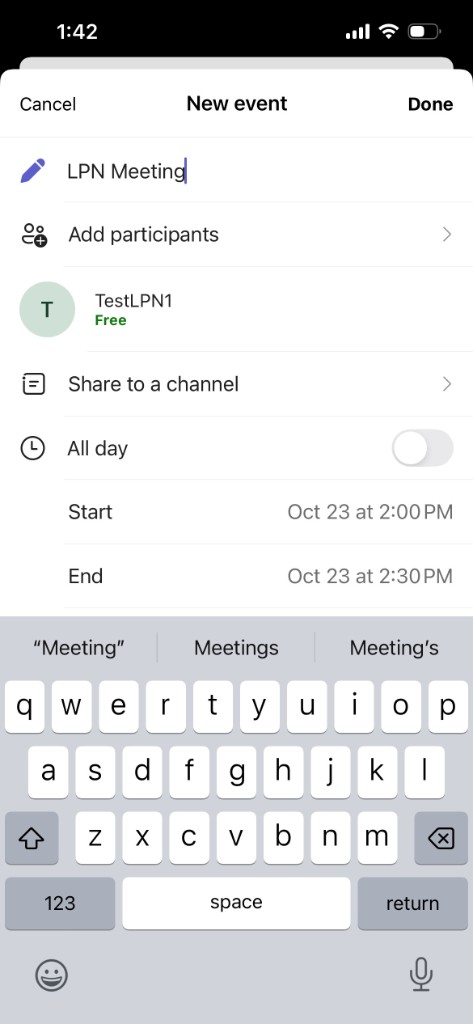
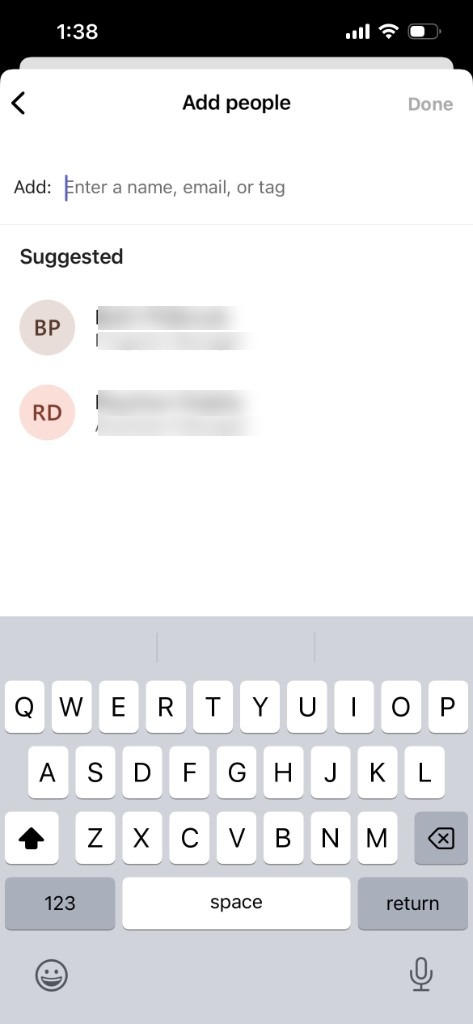
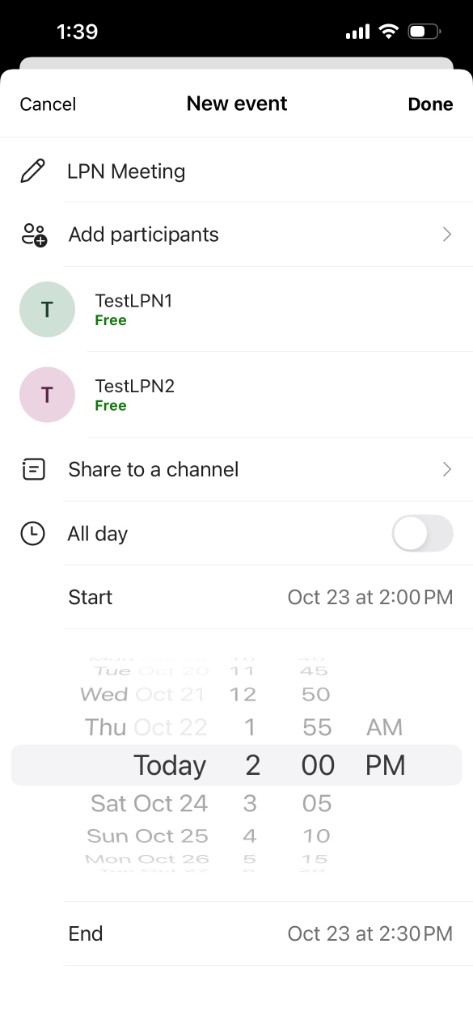
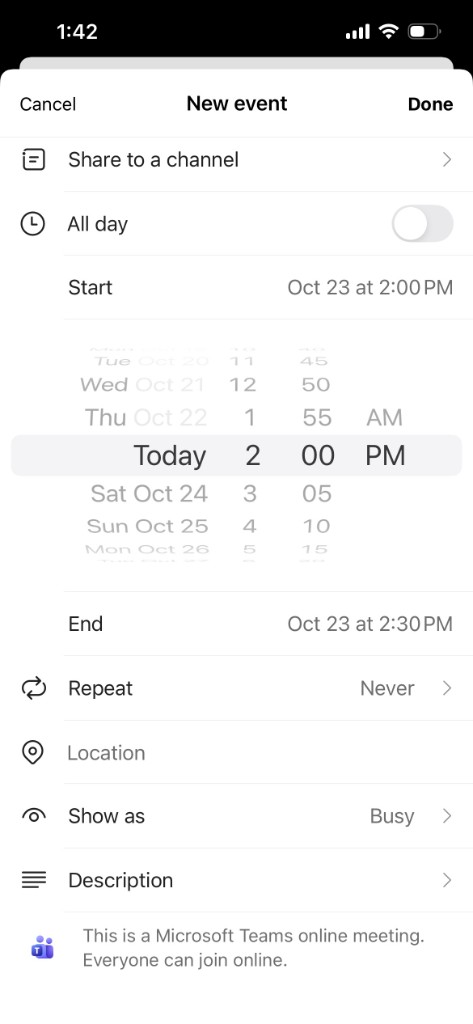
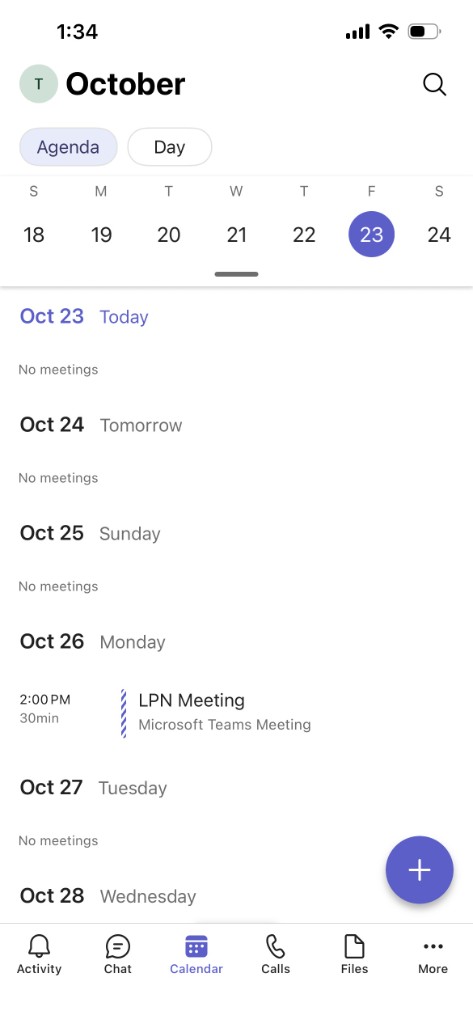
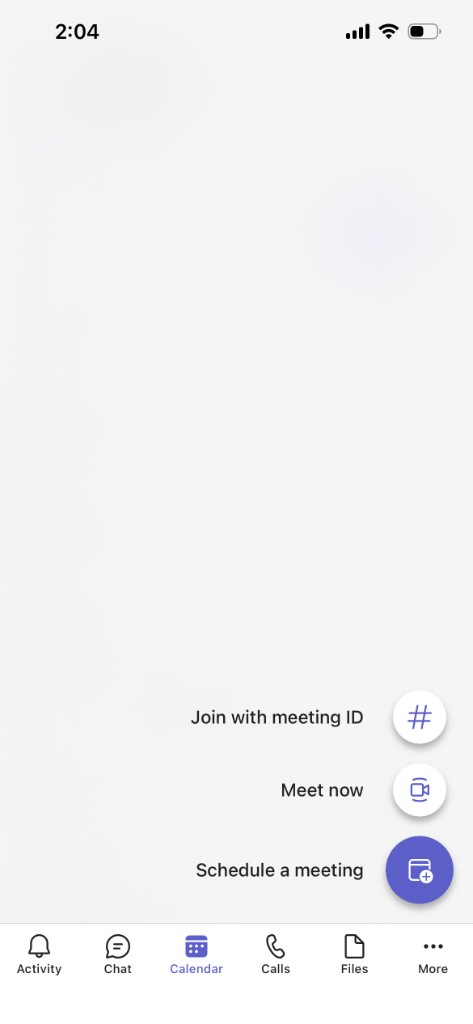
Schedule a meeting from the calendar.

Join a meeting
1 of 6
Teams
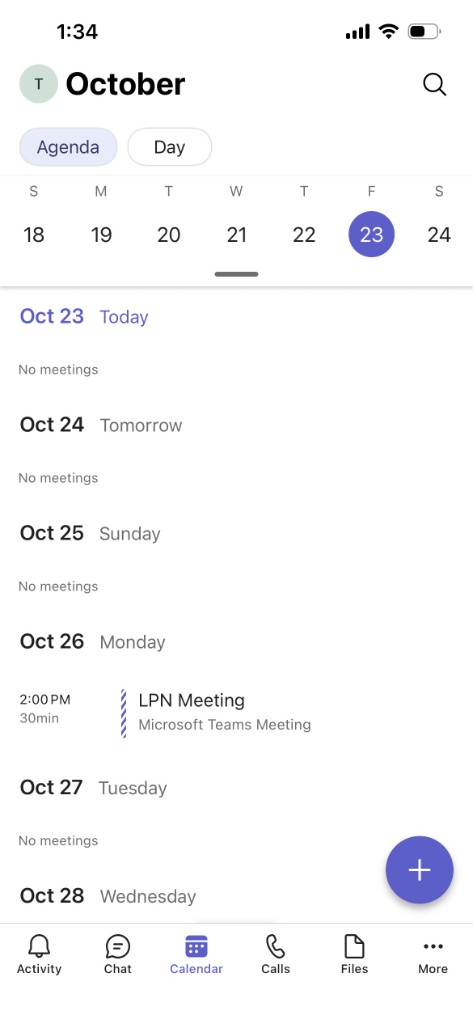
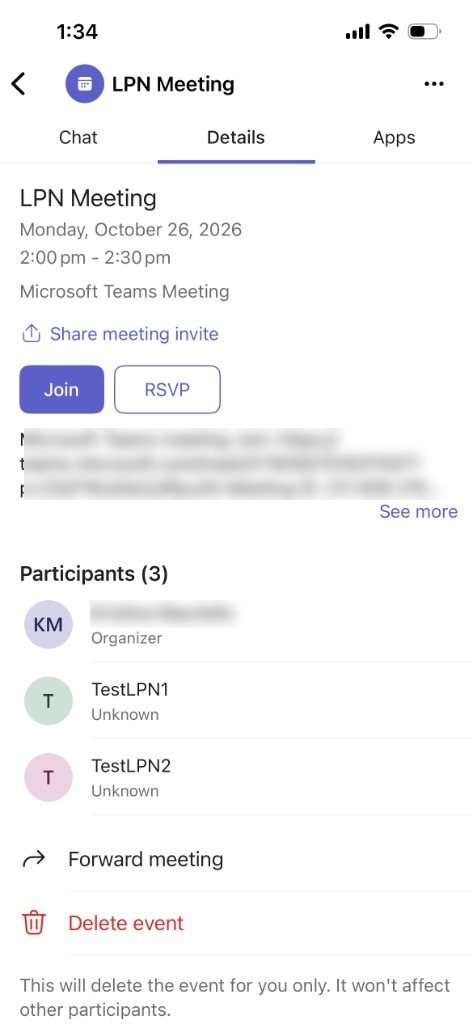
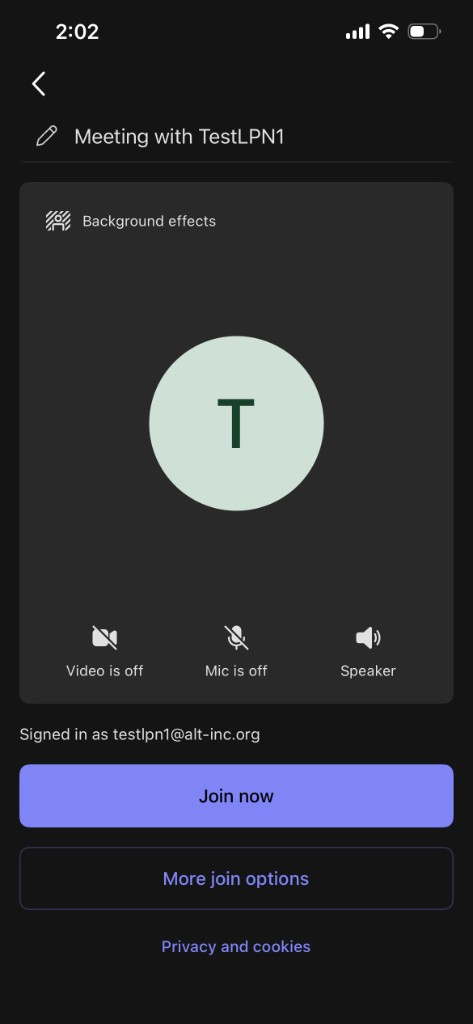
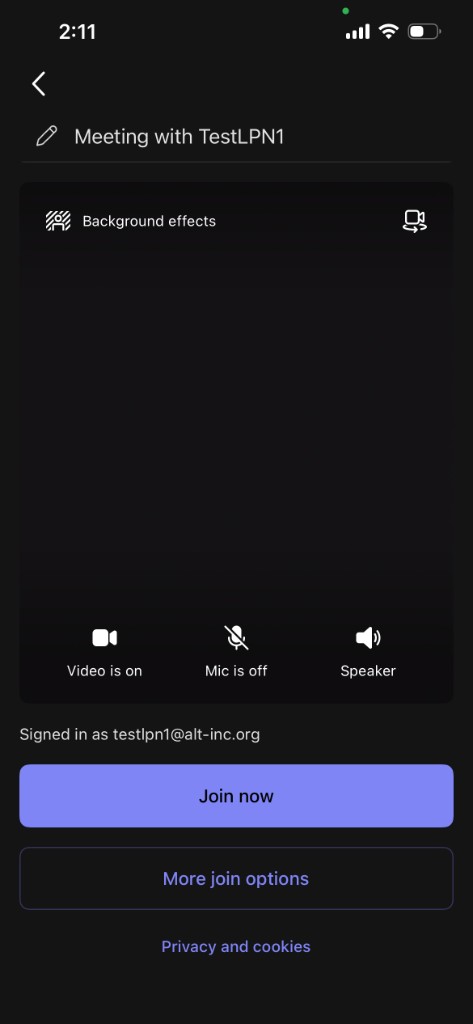
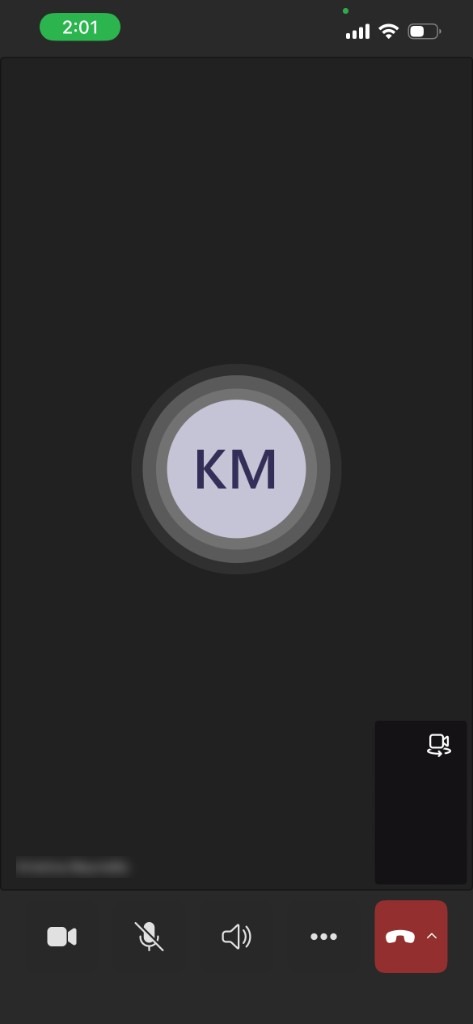
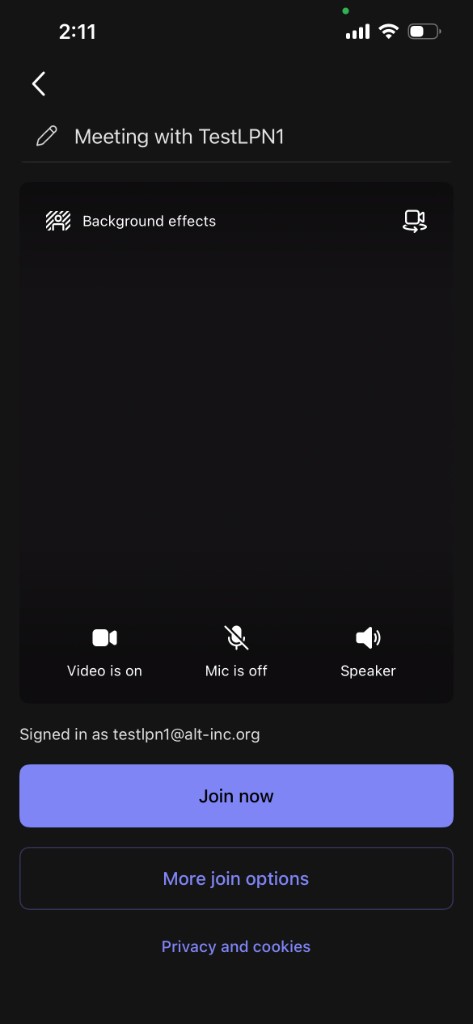
Join a meeting that is already on the calendar.
Meet now
1 of 6
Teams
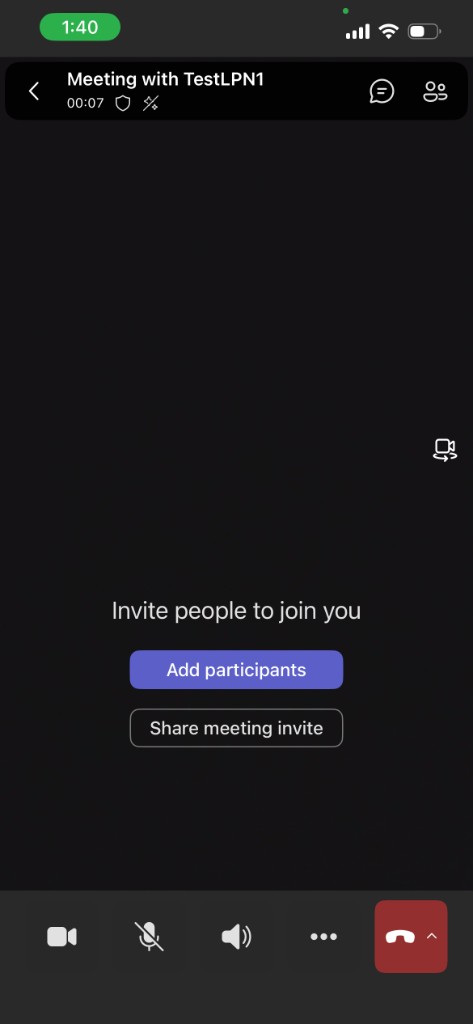
Start a meeting right away when one is not scheduled.
Make a call
1 of 6
Teams
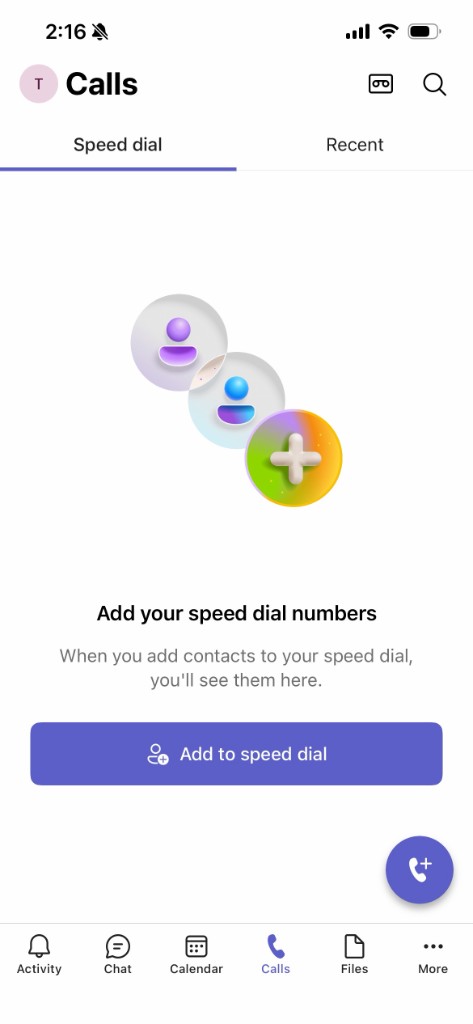
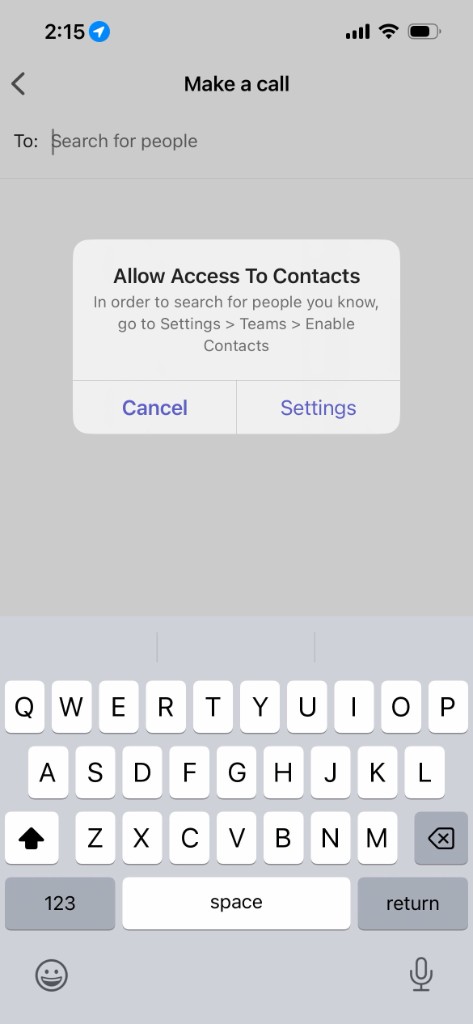
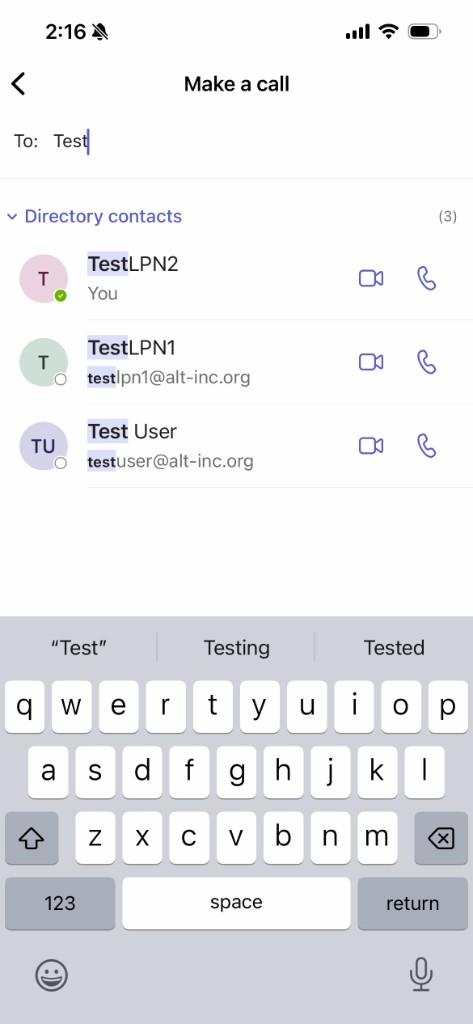
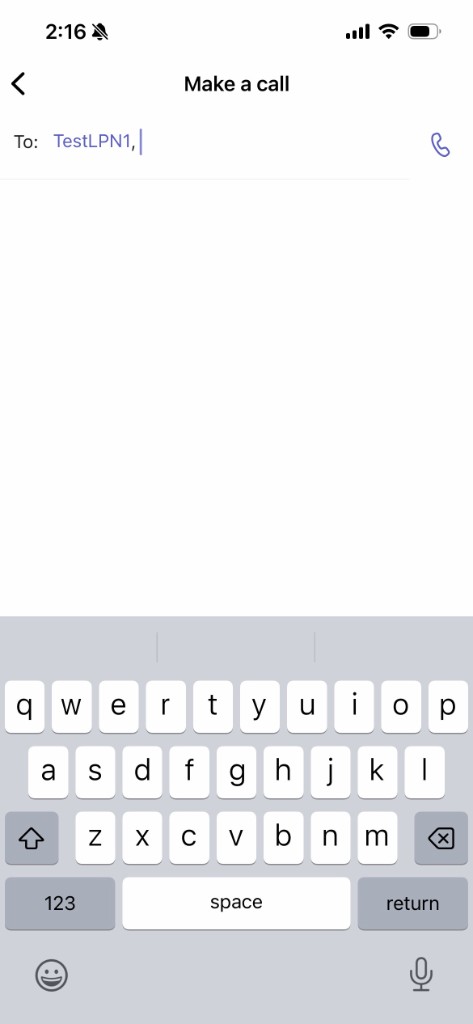
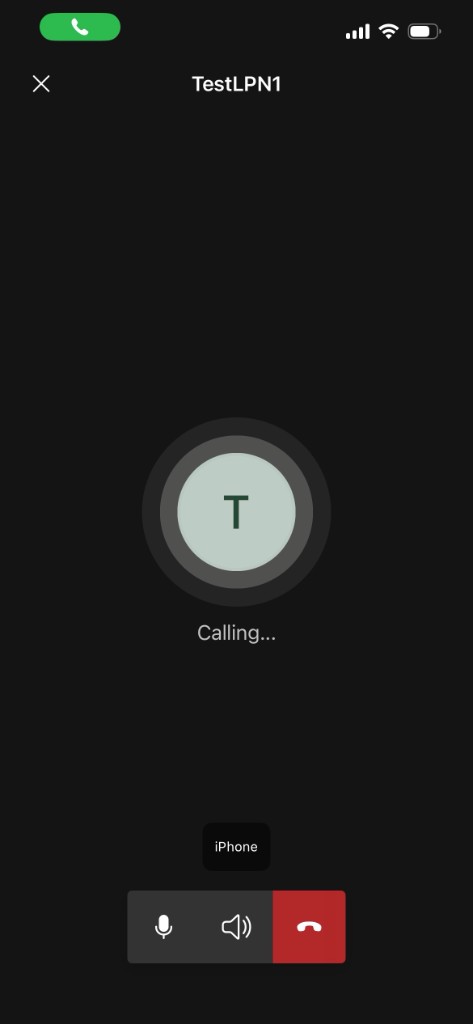
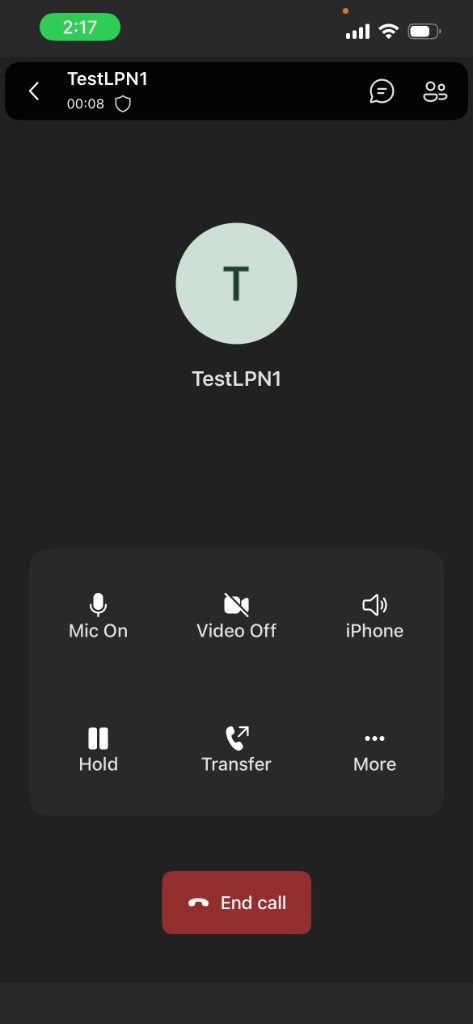
Call someone from Teams.